
Create a comic from your story.
Use our AI comic generator to turn written scenes into comic pages. Refine pages or individual panels, add covers, and export the finished book.
Create one page at a time
Use one generation to create one complete comic page in your chosen art style and layout.
Continue page by page
Build from earlier pages so recurring characters, artwork, and story details carry into each new scene.
Finish the book
Refine pages or individual panels, add front and back covers, and export the complete book.
Create comics online, one complete page at a time.
Choose six panels, four panels, three stacked panels, a Story page, or one full-page illustration. Keep earlier pages visible, refine individual panels, and browse saved versions in the studio.
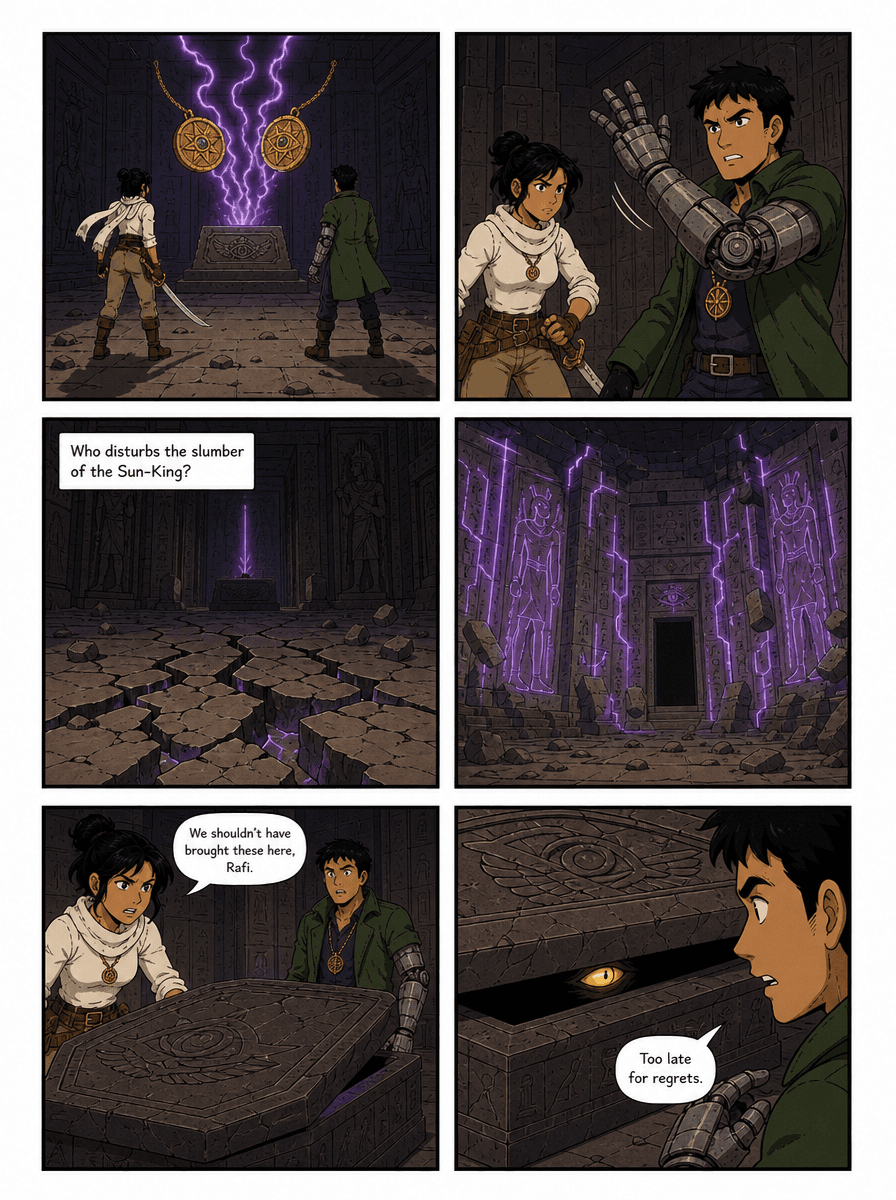
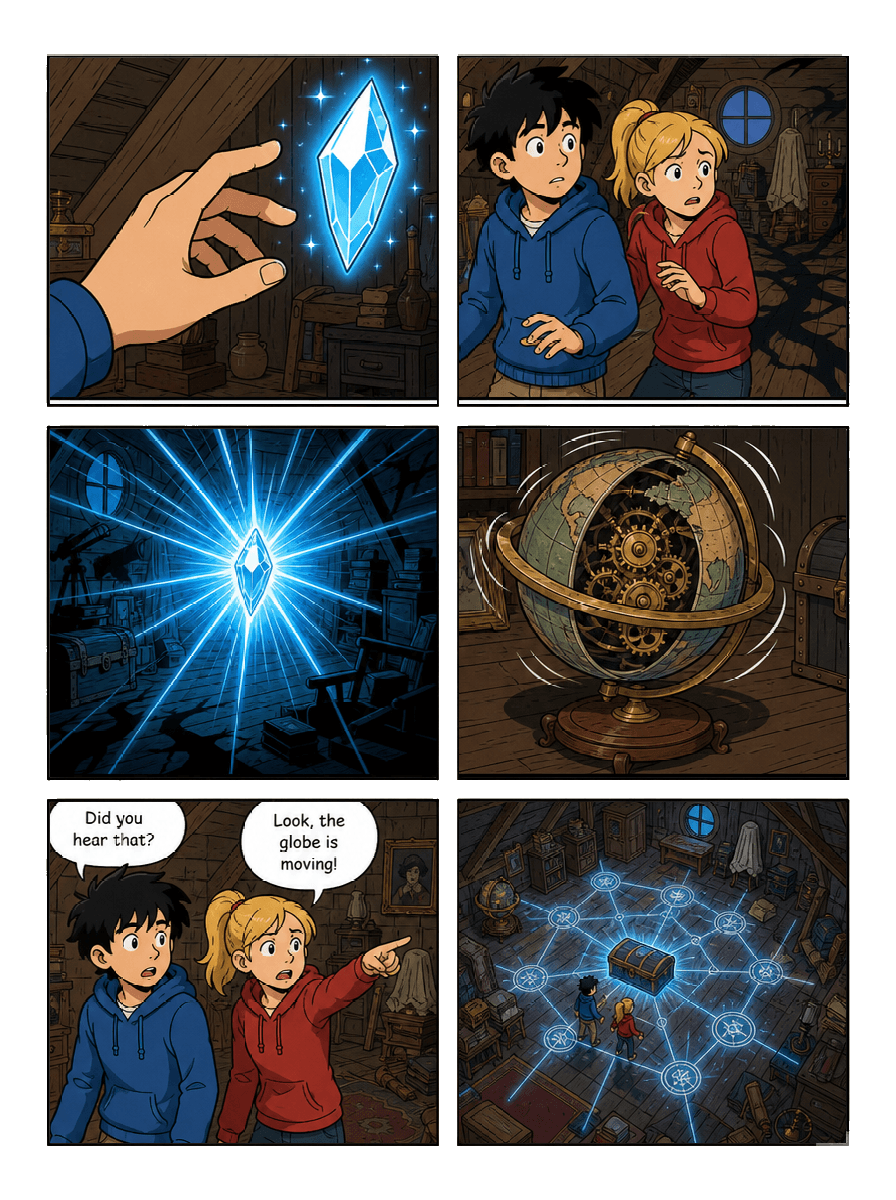
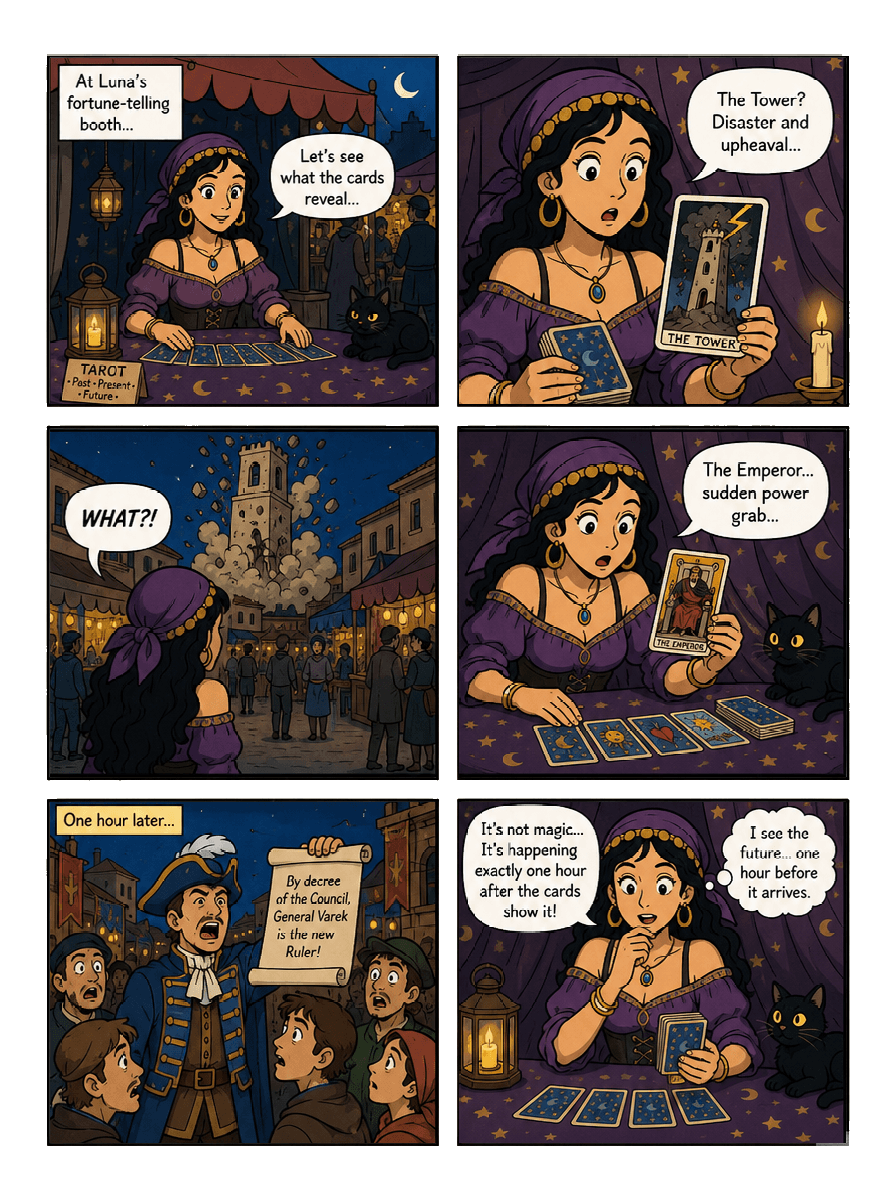
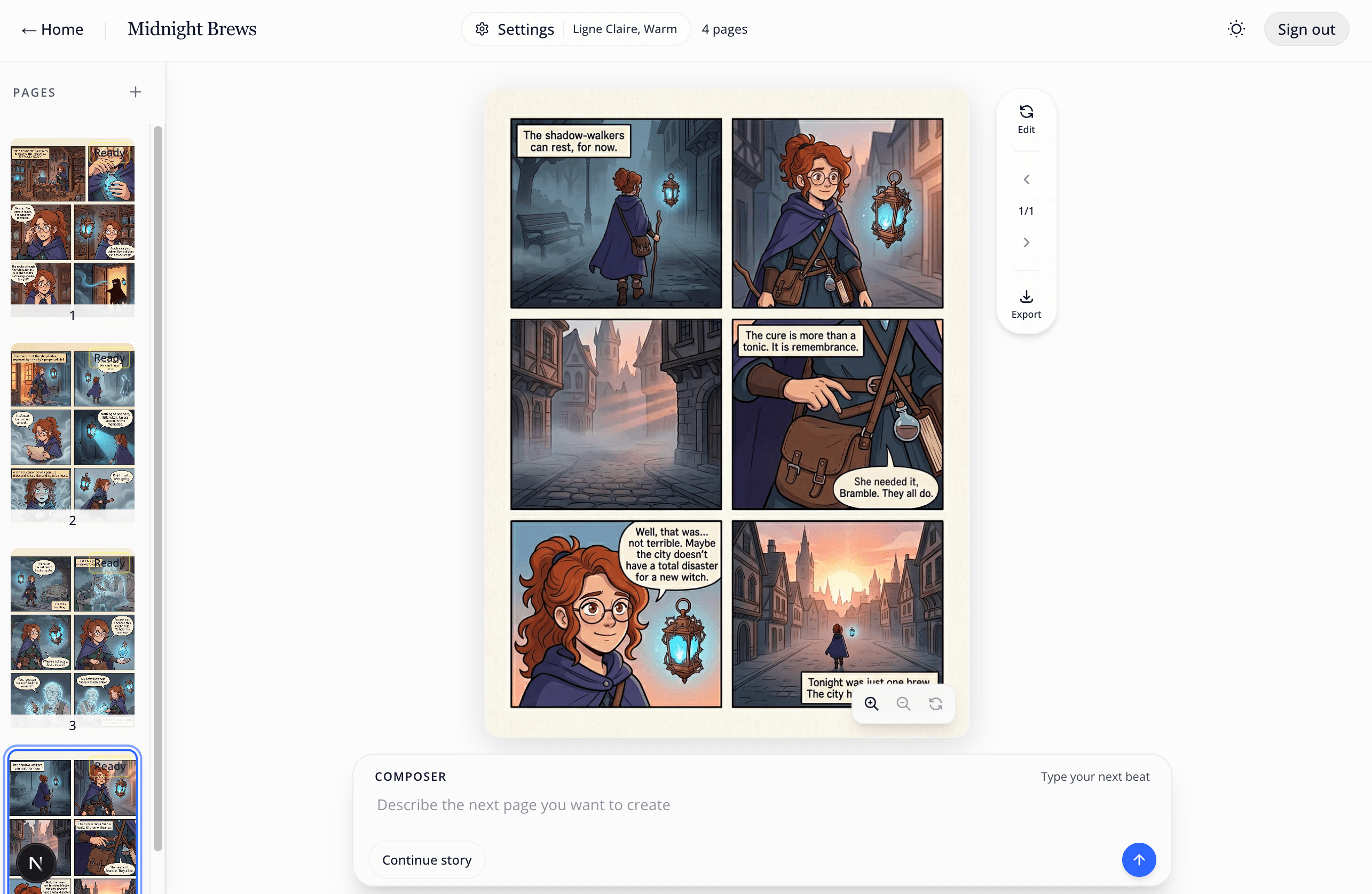
From story idea to finished pages.
Start with the page you can picture now. Build the book in sequence and refine each result without setting up every panel by hand.
- 01
Describe the first page
Write the scene, action, and dialogue in plain language, then choose the art style for your comic book.
- 02
Generate, continue, and refine
Create one complete page per generation. Add pages in order, edit a whole page or single panel, and switch between saved versions.
- 03
Add covers and export
Create front and back covers, then download the book as separate images, a 5 × 8-inch print PDF, or a Kindle EPUB.
From a prompt to a comic.
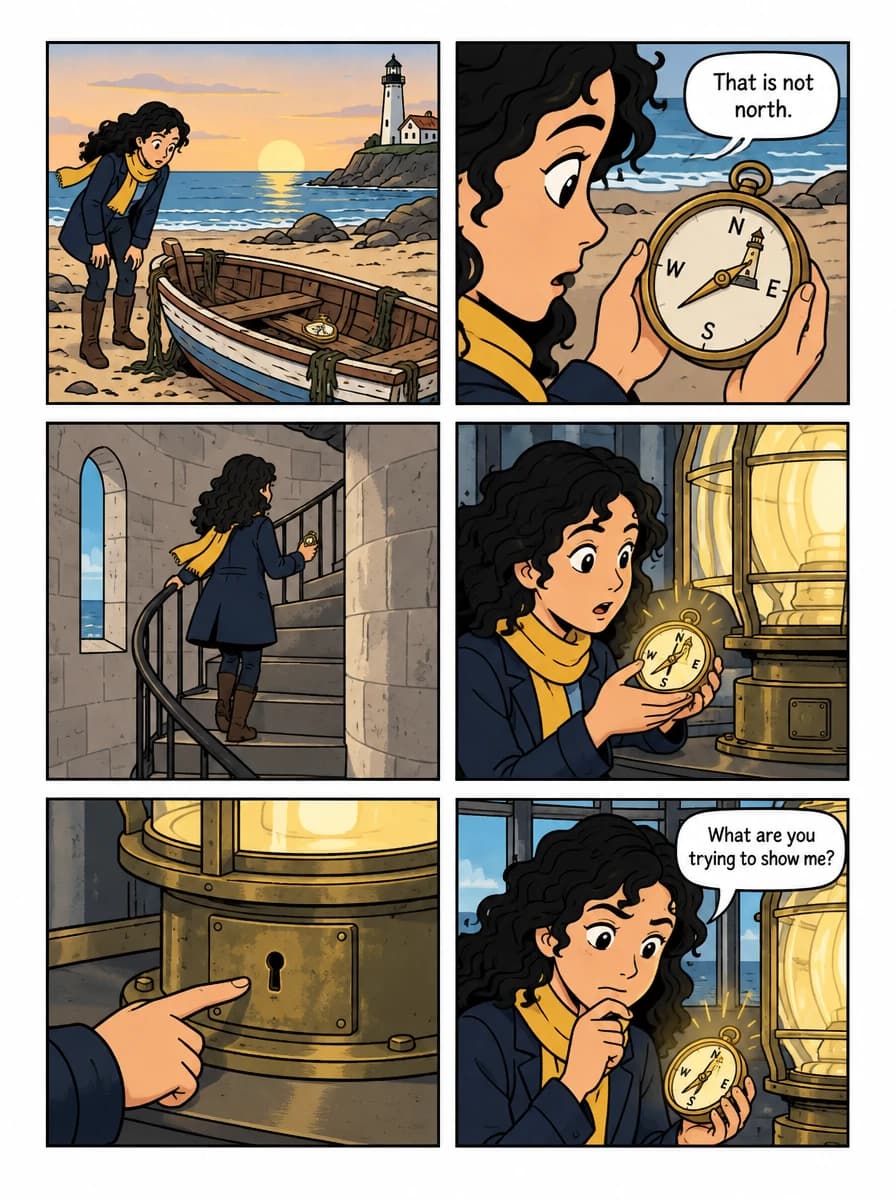
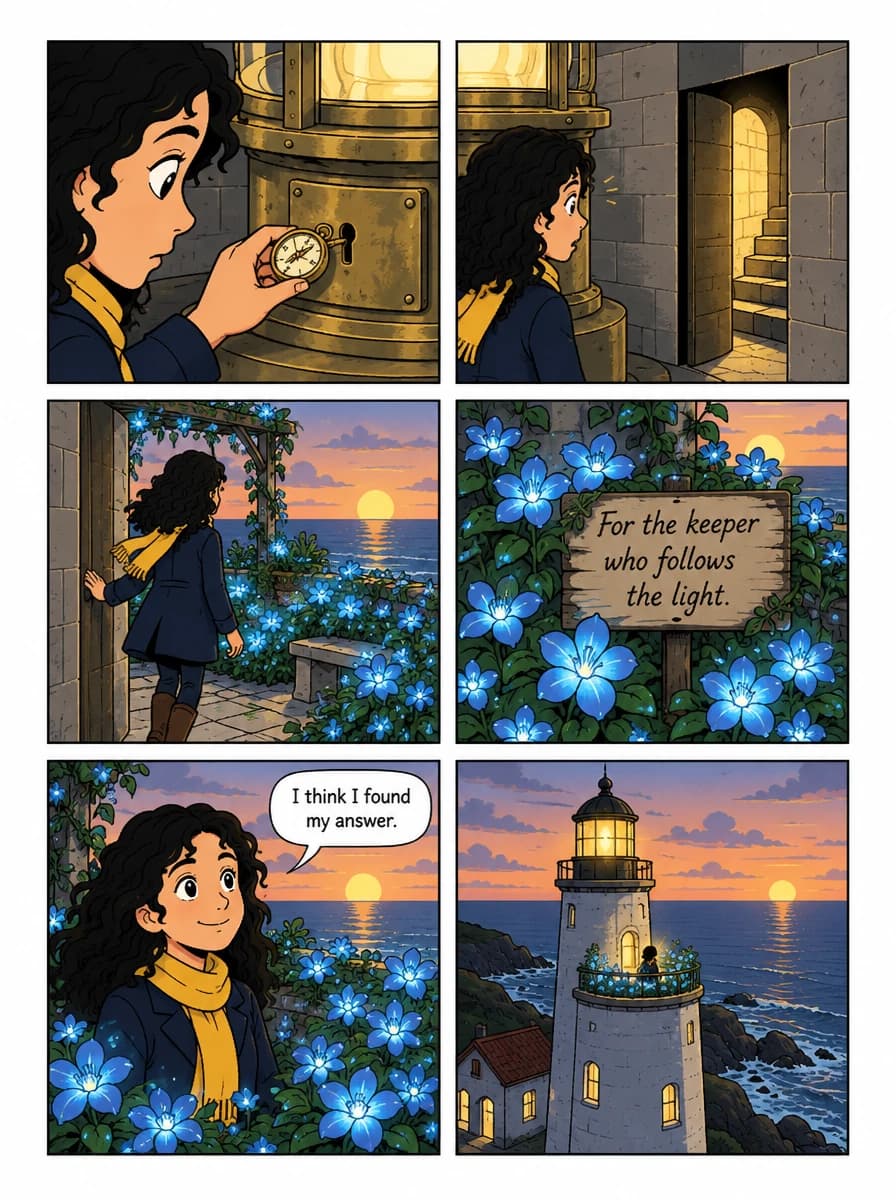
We made The Lighthouse Compass in Create Comic: two pages, a panel edit and a front cover. Follow the same steps with your own story.
Read the walkthrough“Mira, a lighthouse keeper with curly black hair, a navy coat and a yellow scarf, finds an empty rowboat on the beach at sunrise. Inside is a small brass compass.”
Make a gift worth keeping.
Choose a curated style, add a photo or a few personal details, and create something made for them.
Explore portraits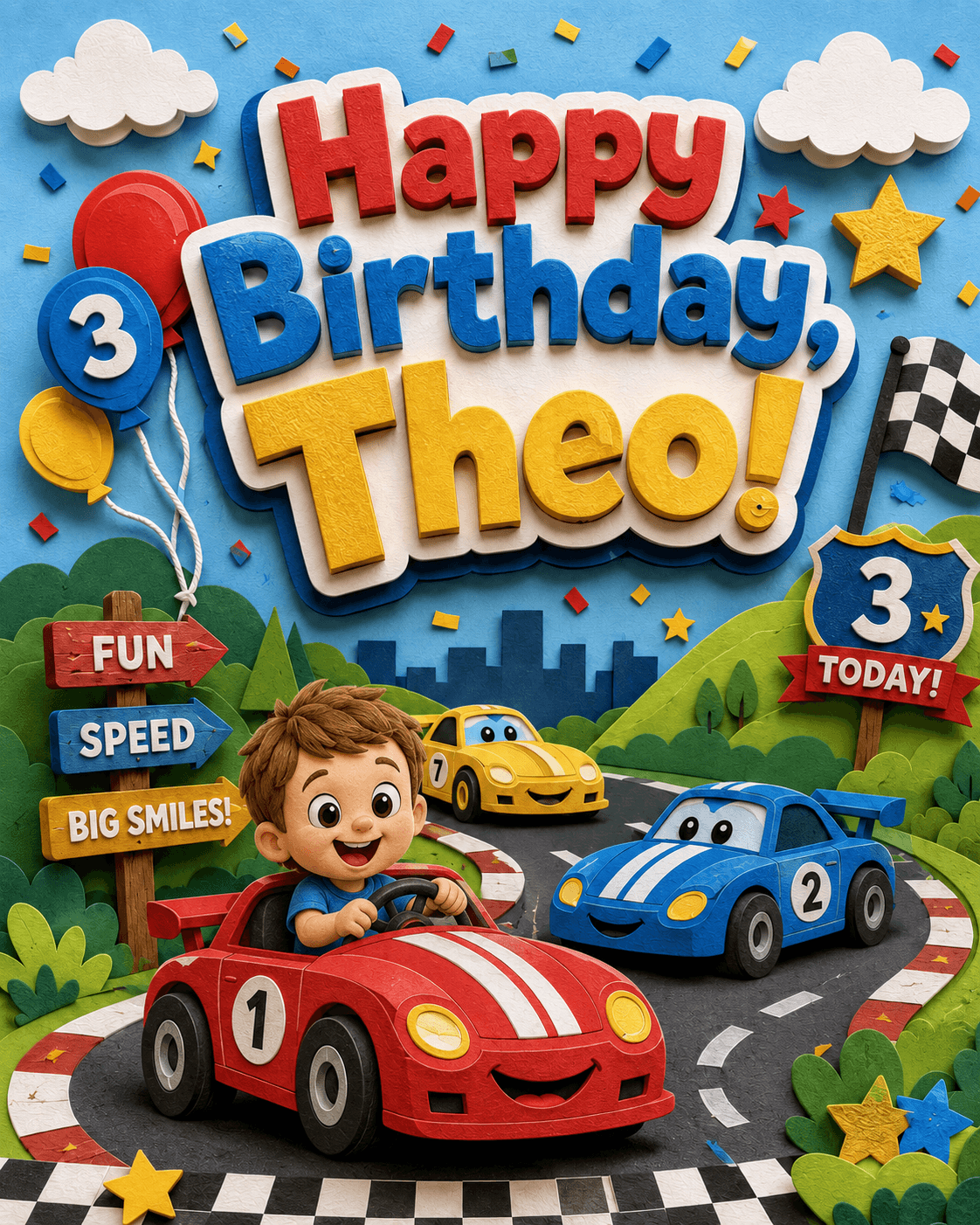
Before you start creating.
- How does Comic Creation work?
- Describe the first page and choose an art style and page layout. Each generation creates one Comic Page, and you add new pages in order as the book develops.
- Can I build a multi-page comic book?
- Yes. Build the story page by page, add optional front and back covers, then export the finished artwork as book images, a 5 × 8-inch print PDF, or a Kindle EPUB.
- Can I edit a page or a single panel?
- Yes. You can regenerate a full page, edit and regenerate a page, or select one panel to repair without replacing the rest of the page.
- Do I need drawing skills?
- No. Describe the page you want in plain language, choose an art style, and refine the generated result as your comic develops.
- Does Create Comic keep earlier versions?
- Yes. Page and cover edits create new versions, so you can browse the version history and choose which result stays active in the book.
- How much does Create Comic cost?
- You can make one generation free across comics and portraits. Create Comic Pro costs US$19 per month for 30 generations, with optional one-time generation packs.
Start creating.
30 generations monthly

Create Comic Pro
$19/mo
30 Pro generations each month, plus optional 30-generation packs when you need more.
Start with one free generation, upgrade for 30 generations a month, or add 30-generation packs whenever you want extra room to iterate.
Gift Pack
Unlock a Portrait preview and create 5 more
US$9.99
30-generation pack
One-time purchase
US$29.99